

What Is an EHS Cable and Do You Need One for Your VoIP Headset?

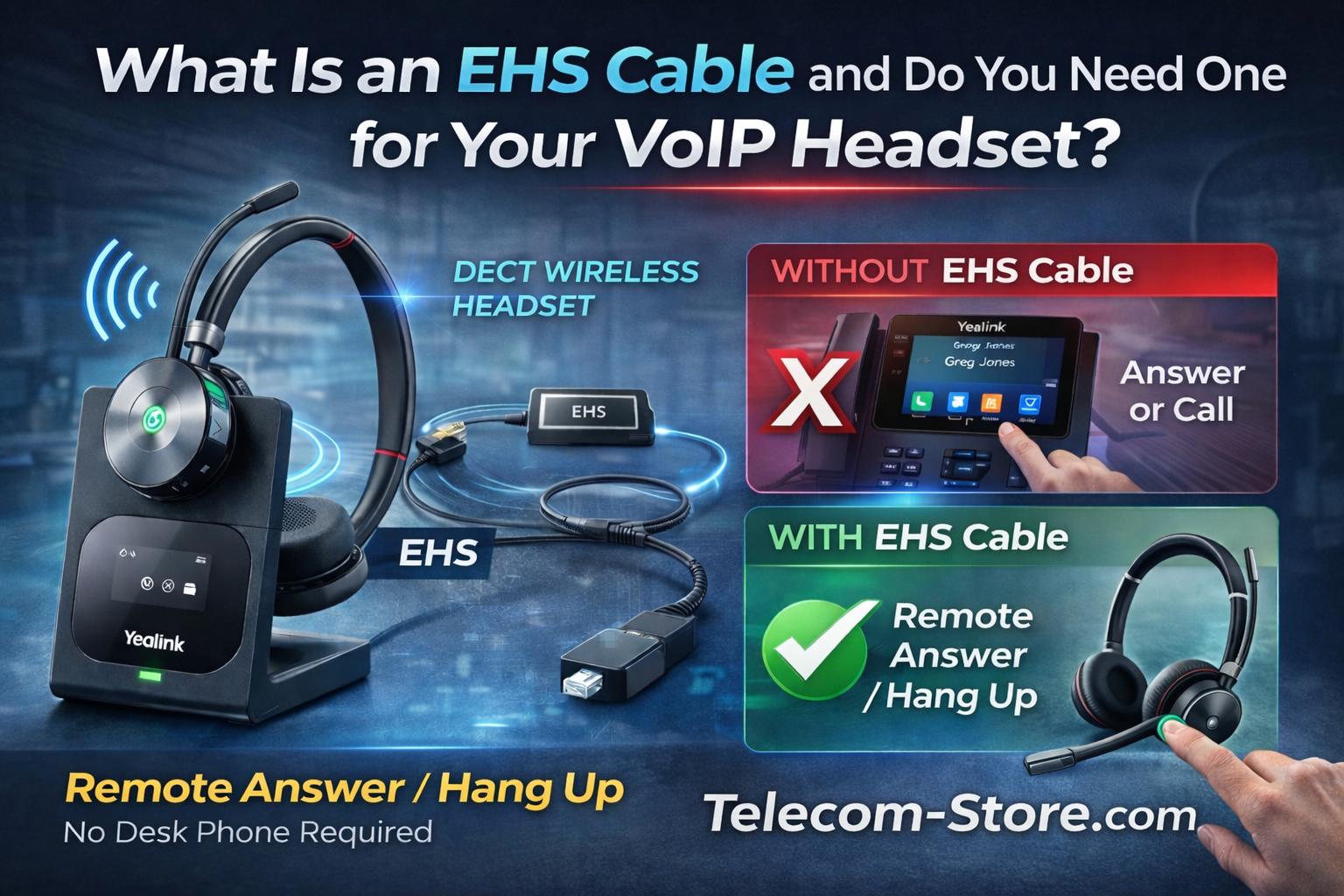
If you’re using a wireless headset with your desk phone, you may have heard the term EHS cable — but most businesses don’t fully understand what it does.
An EHS (Electronic Hook Switch) cable allows you to answer and end calls directly from your wireless headset without touching your desk phone.
If you’re running a VoIP system, this small accessory can significantly improve workflow and productivity.
What Does an EHS Cable Actually Do?
Without an EHS cable:
- You hear your phone ringing in your headset
- You must physically press the answer button on your desk phone
- Then you can talk
With an EHS cable installed:
- Press the button on your wireless headset
- The call answers automatically
- Press again to hang up
No reaching across your desk. No interruptions.
This is especially valuable in call centers and high-volume office environments.
Who Needs an EHS Cable?
You typically need an EHS cable if:
- You’re using a DECT wireless headset
- You want remote answer/hang-up functionality
- Your desk phone supports EHS connectivity
If you’re using models like the Yealink WH62 or WH66, an EHS cable may be required depending on your phone model.
Browse compatible Yealink wireless headsets here:
👉 https://telecom-store.com/?s=wh62&post_type=product
👉 https://telecom-store.com/?s=wh66&post_type=product
When You Do NOT Need an EHS Cable
You generally do not need one if:
- You’re using a USB headset connected to a computer
- You don’t mind answering calls directly on the desk phone
- Your phone supports built-in remote call control
Some modern IP phones have native EHS support built in — always verify compatibility.
Are All EHS Cables the Same?
No.
EHS cables are manufacturer-specific. A cable designed for one phone brand may not work with another.
That’s why it’s important to choose the correct cable for your specific desk phone model.
Browse EHS cable options here:
👉 https://telecom-store.com/?s=EHS&post_type=product
If you’re unsure, confirm your desk phone model before ordering.
Why Businesses Should Care
For high-call environments, the time savings adds up quickly.
If an employee answers 100 calls per day and saves just 2–3 seconds per call, that’s several minutes of productivity gained daily — per employee.
Multiply that across a team and the efficiency impact becomes meaningful.
Common Questions About EHS Cables
Do wired headsets require an EHS cable?
No. Wired RJ9 headsets typically connect directly and do not require EHS.
Will an EHS cable improve audio quality?
No. It only enables remote call control — it does not affect sound quality.
Is EHS the same as a handset lifter?
No. A handset lifter is a physical device that lifts the receiver. EHS is an electronic solution and cleaner setup.
Final Thoughts
An EHS cable is a small investment that improves convenience, efficiency, and workflow — especially in business VoIP environments using wireless headsets.
If you’re purchasing a DECT headset, always check whether your phone requires an EHS cable for full functionality.
Browse compatible headsets and accessories here:
👉 https://telecom-store.com/?s=Headsets&post_type=product