What Businesses Must Check for VoIP Emergency Calls
If your organization is moving to VoIP or already depends on it, don’t assume your phones are ready for 911 calls by default. VoIP emergency calling hinges on correct network setup, phone system selection, provider configuration, and ongoing user management. Here are the main areas IT, facilities, and operations managers should review to ensure safety and compliance:
- 911 Routing: How are emergency calls routed at each site or for every user—desk, extension, branch, remote and softphone?
- Dispatchable Location: What exact location information is delivered with a 911 call (address, suite, floor, even desk location where needed)?
- Direct Dialing: Can every user dial 911 without needing a prefix?
- Emergency Notifications: Who receives alerts internally when someone calls 911 from your system?
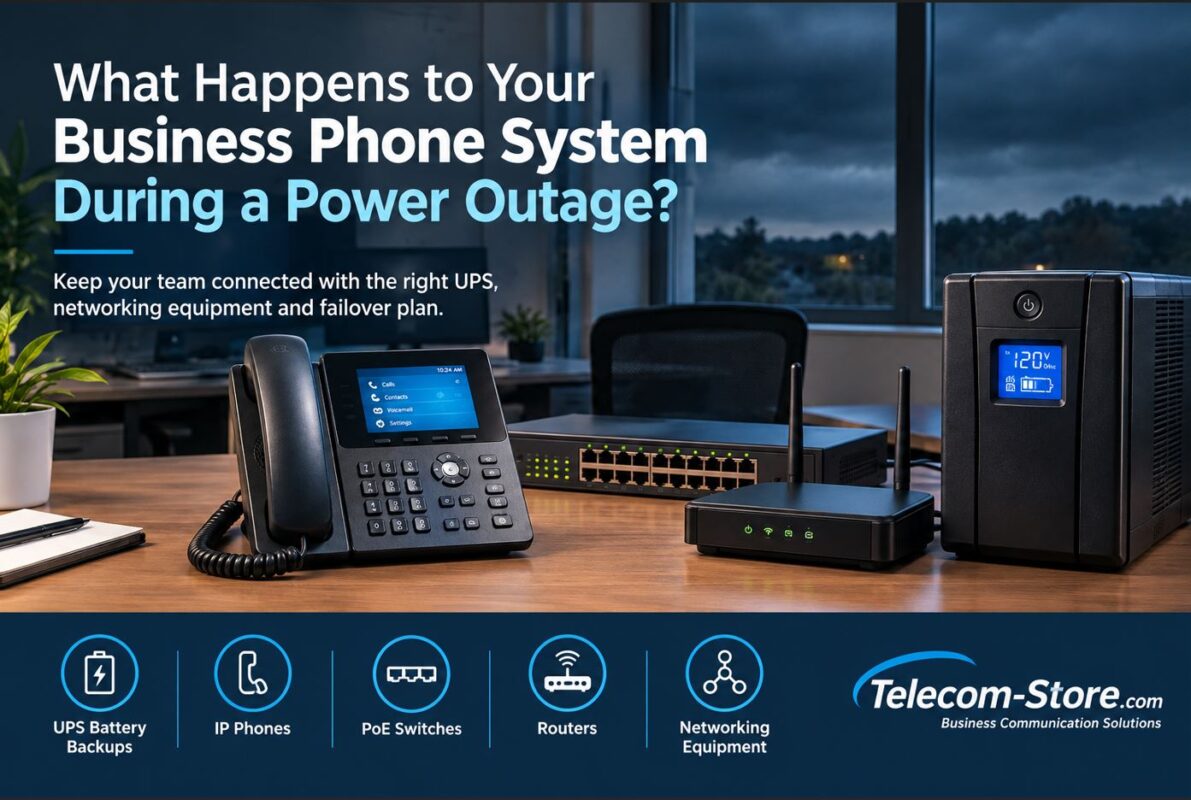
- Outage Handling: Will phones and emergency calling work during power or network outages? What backup is in place—UPS, generator, failover connectivity?
| Feature |
Legacy POTS |
Basic VoIP |
VoIP with E911 |
| 911 Dialing |
Always available |
Depends on system/provider |
Configurable & verifiable, but must check |
| Location Delivery |
Fixed address |
May be missing or static |
Can include floor/suite/area if configured |
| Works During Power Outage |
Yes (if copper line) |
No, needs backup for all equipment |
No, backup needed for all devices/service |
| Remote User Support |
No |
Limited/Not automatic |
Possible (if provider/platform supports and records are current) |
| Internal Notification |
Not built-in |
Seldom available |
Available with correct PBX/policy/configuration |
| Compliance (Kari’s/RAY BAUM’S) |
Not usually required |
Can be out-of-compliance |
Active management required |
What VoIP Emergency Calls Mean for Businesses
Voice over IP (VoIP) changes how your phones operate in emergencies. Unlike a legacy phone line fixed to one address, a VoIP endpoint (IP phone, softphone, cloud extension) can function anywhere it’s connected. Employees can relocate phones, use apps on laptops and smartphones, and move between headquarters, home, or branch locations. This flexibility demands accurate location records, careful dial plan configuration, and regular checks on how your system handles 911 situations—no matter where the call originates.
If you move phones between desks, deploy softphones, or allow employees to work remotely or travel, you must have a process in place to update emergency location records. This also applies to hybrid work settings, where users might switch between locations day to day. Remember: having a cloud or IP PBX does not guarantee that emergency calls will be accurately routed unless supported by your provider and managed continuously.
VoIP Emergency Calls vs. E911
It’s not enough to confirm that “911 works.” The real question for safety, liability, and compliance is how a 911 call is routed and what details are delivered. Basic 911 simply connects a call, but might only transmit a billing address or sometimes no address at all. Enhanced 911 (E911) pairs the call with detailed caller ID and dispatchable location—critical in any multi-floor, corporate, hotel, warehouse, medical, or campus environment.
What Is VoIP 911 Calling?
911 capability through VoIP depends on configuration and provider support. Don’t assume every SIP trunk, IP PBX, conference phone, test extension, or third-party application is ready for 911. Each path must be validated before go-live, with all emergency location details entered and maintained.
Ask your provider specifically which extensions and user types are covered for 911. Some may have “mobile” limitations, or require users to update address details whenever moving between sites, rooms, or cities.
What Is E911?
Enhanced 911 registers not just a main address but also essential sublocation information—floor, suite, room, warehouse bay, even workstation if needed. If responders need to find someone in a large facility, accurate dispatchable location can be the difference between a prompt rescue and delays. In regulated sectors, E911 is a must for every area where employees work.
Be proactive: document who in your organization is responsible for updating phone or user locations, and ensure desk moves or reassignments trigger an emergency address review. Poor record-keeping is a common failure point.
Why VoIP Emergency Calls Matter in 2026
Modern business phone systems blend on-site, hybrid, and remote connections. As more companies move fully or partly to the cloud and distributed work, 911 readiness turns into an active and continuous process. Numbers don’t always map to fixed desk locations. IT and telecom teams need systems and documentation ready to track user changes, moves, and policy updates as soon as they happen—not just at initial deployment.
Hybrid Work and Cloud PBX
One day an employee is at their main desk, tomorrow they’re on a softphone at home or using the Teams app in a coworking space. Does your provider force users to confirm their location each time they move? Are cloud softphones subject to special rules for updating location? Document these situations and provide training for end users. System-wide location accuracy relies on both technical provisioning and user action.
Many softphones running on laptops or mobiles default to a previously set office address unless the user updates their location. For any hybrid environment, create easy-to-follow instructions to avoid gaps in emergency response coverage.
About Kari’s Law and RAY BAUM’S Act
For US-based organizations, Kari’s Law requires that users can dial 911 without prefixes (no more dialing “9” to get an outside line) and that designated individuals receive notification of any 911 call placed. RAY BAUM’S Act enforces dispatchable location for multi-line phone systems, including VoIP, cloud, and traditional deployments. Review FCC rules for the details that apply to your specific environment; compliance may depend on installation date, location, and system features. If you aren’t sure, consult your VoIP or PBX provider or legal counsel.
These requirements are not just technical—they’re operational policies. If you have multiple buildings or remote workers, build an internal process for compliance review at least annually. Don’t put this on “autopilot.”
Key Factors for VoIP Emergency Calling in Business
1. Emergency Location Management
- For every phone, app, and extension, location records must be kept up to date with building, floor, or suite—especially important for remote or mobile workers.
- Establish who is responsible for updating locations in your organization, and make processes part of onboarding, offboarding, and desk moves.
2. Direct 911 Dialing and Dial Plan Setup
- Your business system should allow direct dialing of 911 (never requiring “9” or “8” for an outside line), in line with Kari’s Law.
- Review your dial plan for conflicts, and document dialing procedures for all staff. Testing this with your provider is highly recommended before user training or go-live.
3. Internal Notifications and Alerting
- Internal notification means the right person (security, reception, facilities) is notified instantly if someone places a 911 call. This supports safety protocols and helps responders arrive at the right place faster.
- Check your IP PBX or cloud provider’s features for internal alerting, and consider sending notifications to email, SMS, or a wallboard where needed.
4. Power over Ethernet and Backup Power
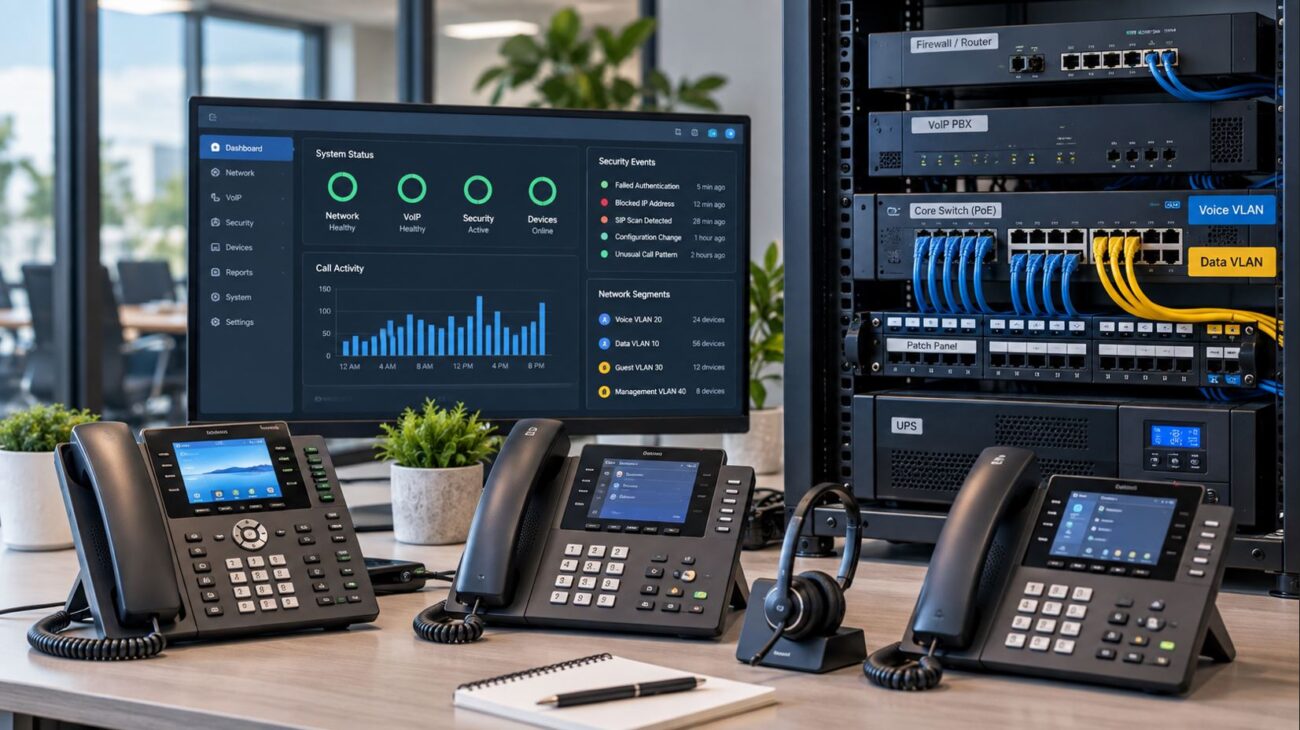
- Many IP phones use PoE switches. Plan UPS or generator backup for all supporting hardware: PoE switches, routers, firewalls, modems, and PBX if present.
- Don’t forget to check PoE power budgets—simultaneous phone reboots or growth can exceed switch capabilities.
- Periodically test your backup systems—UPS batteries age and capacity drops over time.
5. Network Reliability (Single Points of Failure and Redundancy)
- If any network element from the phone to the hosted/cloud PBX fails, 911 may not work. Map dependencies and add redundancy or failover internet at critical locations where needed.
- Consider dual WAN connections or alternate circuits if you maintain critical operations around the clock.
6. VLAN and QoS Configuration
- Voice VLANs and QoS on managed switches may improve reliability, but only if implemented by a knowledgeable IT person. Poor setup can break phone registration altogether, so always test changes before rollout.
- Smaller businesses may actually benefit from simple, unmanaged switches if no specialized network features are required.
7. Mobility/Remote User Location Process
- Document exact procedures for updating emergency location for softphones, apps, and remote devices. Train hybrid/remote staff—don’t count on the system figuring out the caller’s address automatically.
- Some providers support automatic updates via GPS or Wi-Fi, while others require manual entry—check these specifics.
8. Security and Firmware
- Outdated firmware, insecure provisioning, or tampered admin panels pose both security and emergency-readiness risks. Maintain a regular patch/test/backup process for all IP PBX systems, switches, and phones.
- Keep admin panel credentials in a secure password management system accessible to key IT/support staff.
9. Scalability and Record-Keeping
- For growing businesses, maintain device inventories, logs of moves/adds/changes, and systematic onboarding. Spreadsheets are fine when starting, but as user count rises, move to automated tools or dashboards where possible.
- Audit emergency location records at every major move, renovation, or acquisition.
Recommended Telecom Products for Business 911 Readiness
For Small Offices
- Choose SIP-ready VoIP phones and a switch with sufficient PoE if needed (PoE switch options).
- Verify with your VoIP provider that 911/E911 setup is completed and documents where calls should be routed.
- Keep an outage plan—test the impact of unplugging the switch or internet connection to confirm which calls will (and will not) work in an emergency. Conduct a “desk move” exercise to rehearse updating location records and system alerts.
For Growing Businesses
- Consider a centralized IP PBX system and managed switches with VLAN/QoS features for scalability.
- Check brand-specific compatibility: not all Yealink, Poly, or Cisco models will support auto-provisioning or E911 with every platform. Reference pre-sale provider compatibility lists and, if uncertain, request demo/test units before large orders.
- Implement documented processes for user moves, extension changes, and emergency record updates. Embed these procedures into your HR/IT onboarding and offboarding checklist.
For Multi-Site and Hybrid Organizations
- Use central admin tools for device and location management across all branches, offices, and remote sites.
- Add site-specific redundancy, such as backup WAN for critical branches and localized power for all network switching devices. Routinely review and test failover processes—simulate outages to make sure all staff understand next steps.
- When supporting remote or hot-desking users, regularly audit and test the location update process via your PBX or cloud provider dashboard—include a periodic “location management drill” as part of cybersecurity/emergency exercises.
Compatibility and Setup Requirements
VoIP Platform Compatibility
- Check that every phone or app (IP phone, Teams hardware, Zoom Room phone, SIP desk phone, or softphone app) is listed as compatible by your VoIP or SIP trunk provider.
- Not all SIP desk phones work everywhere: use telecom-store.com’s search features to browse models by vendor (Yealink, Poly, Cisco), but double-check pre-sales documentation or compatibility lists before ordering in bulk.
- Never assume a cloud PBX or UCaaS will accept “any” SIP phone—proprietary firmware or configuration may be needed. Contact support for up-to-date onboarding guidance or ask for approved hardware sheets.
PoE and Network Cabling
- Determine if your phones require PoE (Power over Ethernet), a wall adapter, or both. Plan your PoE switch size accordingly, considering additional future growth and any in-line devices (door stations, paging, etc.).
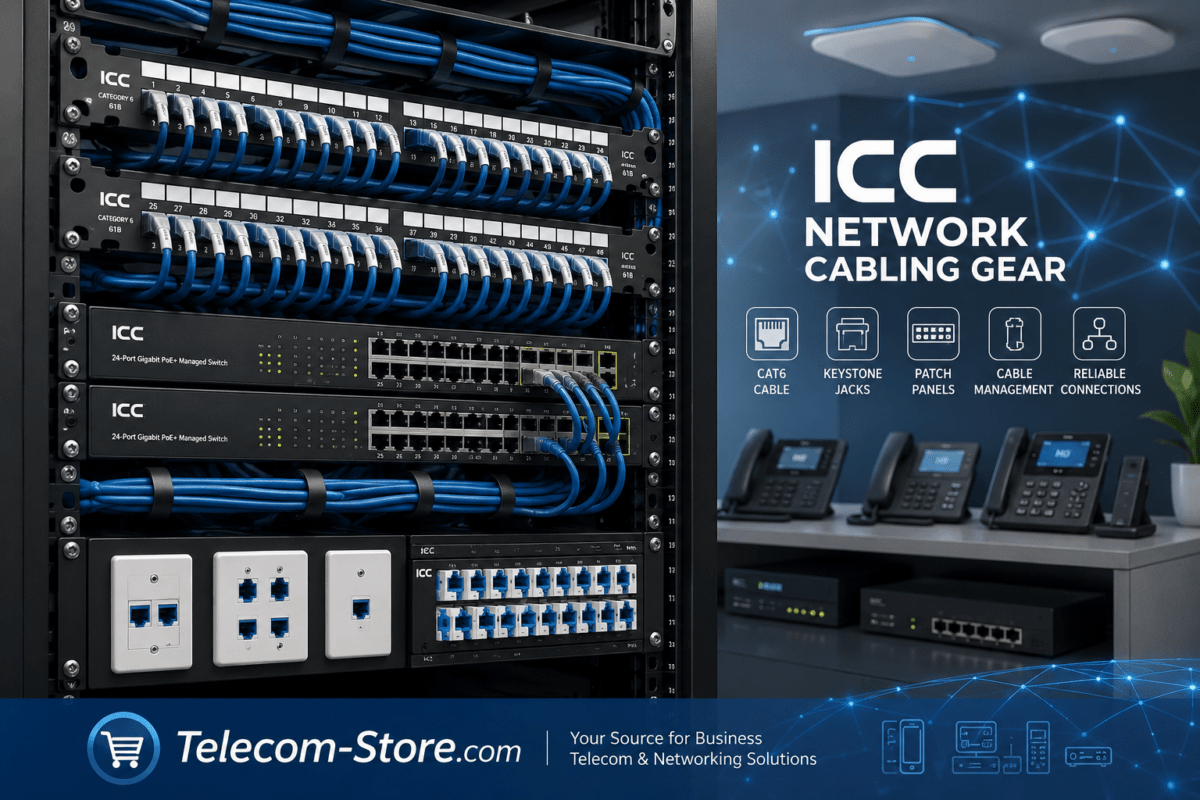
- Test existing cabling especially in retrofits or older buildings for performance with voice—CAT5e/CAT6 is recommended. For new installations, avoid placing phones at locations with unverified or shared cabling runs.
Backup Power Planning
- UPS or battery backup should cover every piece in the calling path: switches (especially PoE or managed), internet modem/circuit, firewall, router, and on-premises PBX if present—backing up only the phones provides no benefit in an outage.
- Document your runtime expectations for each UPS based on equipment wattage—test periodically as batteries age. Replace batteries according to manufacturer guidelines.
PBX and Dial Plan Configuration
- Document dial plan for direct 911 access; review line/patterns for conflicts. Test changes before applying system-wide. Often, your PBX provider can run a simulated test environment using provider-reserved numbers to avoid live 911 calls.
- Review phone and softphone templates, as updates can break extension registration or emergency routing. Include a checklist of affected dial rules in every update cycle.
Firmware and Provisioning
- Keep firmware, phone templates, and PBX configs under change control. Unplanned changes risk breaking emergency calls (wrong location, broken dialing). Roll out updates through a test or staging environment if supporting 20+ users.
- Maintain a change log for every firmware, template, or dialing configuration update to ensure full traceability—required in some regulated industries.
Common Limitations and Mistakes to Avoid
- Compliance is not automatic: Buying a modern IP phone or switch does not create a compliant or functional emergency calling environment. The full solution is only ready after thorough provider/policy/setup work, which should be revisited often as the company grows or restructures.
- Power backup gaps: Many businesses forget to back up network equipment, routers, or WAN circuits. A single missed component brings all phones offline even with UPS’d desk phones. Perform full-system shutdown simulations once per year to validate your backup plan.
- Remote user risks: Nomadic or hybrid users must update their location as they move or use apps from different places. If unclear, calls may route with a stale or wrong address. Draft a clear, easy-to-reference user guide for location updates and include it in onboarding kits.
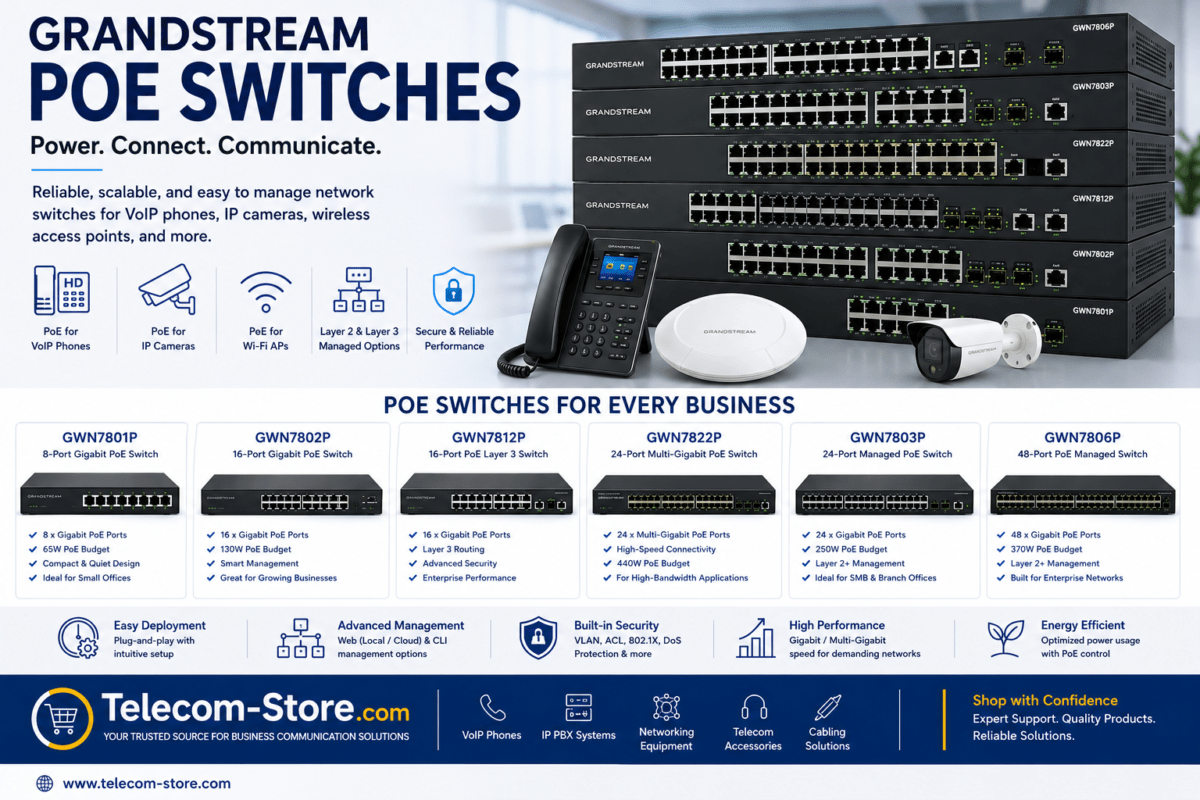
- PoE switch limitations: Don’t assume all switch ports support full wattage at once or that startup surges are covered—review product datasheets and plan for worst-case. Allow headroom in PoE budgets for new video phones or paging endpoints.
- Network misconfiguration: Adding VLAN and QoS to a small network can actually create instability if not managed by IT. For smaller offices or non-technical staff, simpler unmanaged switches may provide more consistent 911 reliability than poorly-configured managed ones.
How to Choose a Reliable Business VoIP Setup
For a Single Small Office
- Focus on clear 911 routing, registration of proper location, and basic power backup for minimal disruption risk. Configure for simplicity and document the provider’s emergency call process up front.
- Use an entry-level VoIP phone, compatible PoE or unmanaged switch, and work with a provider willing to walk through E911 registration at install. If no IT staff are on-site, consider managed packages where the provider handles changes and audits.
For a Multi-Floor Building
- Plan for per-floor or per-suite emergency records; integrate internal emergency call alerts (to lobby or security where needed).
- Consider a centralized PBX or cloud platform that supports multiple dispatchable locations, flexible dial plan setup, and automatic notification.
- Coordinate with facilities management to keep emergency maps, directories, and E911 records aligned. Notify all stakeholders of process changes.
For Multiple Branch Offices
- Each site needs its own emergency location records, direct 911 routing, and power/internet backup for all network infrastructure. Use VPN or site-to-site voice connectivity only if documented to support E911 across locations—never assume cloud call behavior is identical at all branches.
- Set up individual emergency alert contacts or distribution lists for every branch, and actively test them after onboarding a new site or changing a main number.
For Remote and Hybrid Employees
- Ask your provider specifically: “How does your system handle emergency location and 911 for remote/hybrid users, mobile apps, and hot desking?” Document user responsibilities and set clear admin policy for location updates.
- Offer training as part of onboarding or annual refresh for remote/hybrid users so procedures are clear and verifiable. Provide instructions in accessible places, such as the company intranet or knowledge base.
For Businesses With No Dedicated IT
- Choose plug-and-play systems where your phone/VoIP provider manages 911/E911 setup, notifications, and location updates. Avoid advanced DIY features unless you have resources to maintain them.
- If unsure, keep your deployment simple: fewer extensions, no VLAN unless required, and single provider for hardware, network, and calling service. Have one main contact as the documented responsible party for all 911-related inquiries.
- Compare business VoIP phones by Teams, Zoom, SIP, and platform support. Filter for PoE, display, or line capacity as needed.
- Browse network switches, including managed options for VLAN/QoS and PoE switches for powering endpoints. Cross-check product datasheets for actual PoE budgets and performance specs.
- Explore IP PBX systems for multi-site deployments, central admin, and advanced E911 features.
- Remember UPS/power backup for all equipment in your call path and quality patch cables—every connection matters in an emergency.
Conclusion
VoIP emergency calling is a system-level responsibility—not simply a box checked during phone buying or system cutover. Your plan must cover call routing, accurate and updateable location records, easy 911 access, internal notifications, proper power/network backup, and user policy for both office and remote environments. Always verify configuration and test—never assume. Map your phones and devices in advance, keep documentation accessible, and schedule annual audits of your emergency call setup.
If you’re adding a new office, onboarding remote users, or changing network equipment, review your 911 readiness as part of your IT checklist. Build the business VoIP environment around emergency support, not after the fact. This gives leadership peace of mind and employees critical safety coverage wherever their extension may be.
FAQ Section
Can a business VoIP phone call 911?
Yes—if the system, provider, and location setup are correct. Always verify emergency call routing and which models/extensions are covered, including any softphones or conference phones. Test not just call completion but also the address and notification path delivered to first responders and your safety team.
What is E911 for a business VoIP system?
E911 means enhanced emergency response: every call sends both caller ID and specific location details (such as floor, room, or warehouse bay). Work with your provider to keep this information up to date when moves occur, across all device types—not just desk phones but also conference phones, mobile apps, and softphones.
Will VoIP 911 work during a power outage?
Usually not—unless every component in the communication path, from phone/PoE switch to firewall, PBX (if present), and the internet connection, is on battery/generator backup. Don’t assume; test your setup with equipment unplugged, and annually confirm the runtime/health of each UPS/circuit.
How is 911 handled for remote or hybrid employees?
It relies on how your VoIP system updates and verifies user location. Manual updates are often required for remote workers; otherwise, calls can misroute or connect with outdated information. Document and train on your process; check support for mobile apps and softphones, and make the requirement part of the regular remote work policy.
Do you need a managed switch for VoIP emergency calling?
Only if you require VLAN or QoS for your network. Emergency call reliability depends more on proper provider, PBX, and device configuration than on the type of switch—unmanaged switches are often more stable for small businesses without IT support. If you implement managed switches, review and test QoS, power, and VLAN settings with a pilot group before company-wide rollout.
How should a business test its VoIP 911 configuration?
Never dial live 911 to test unless your VoIP provider and local authorities authorize it. Instead, use provider-provided test numbers or tools and verify your emergency call path, registered locations, and notification processes periodically—especially after changes or moves. Keep results and updates documented for compliance checks and quick troubleshooting.